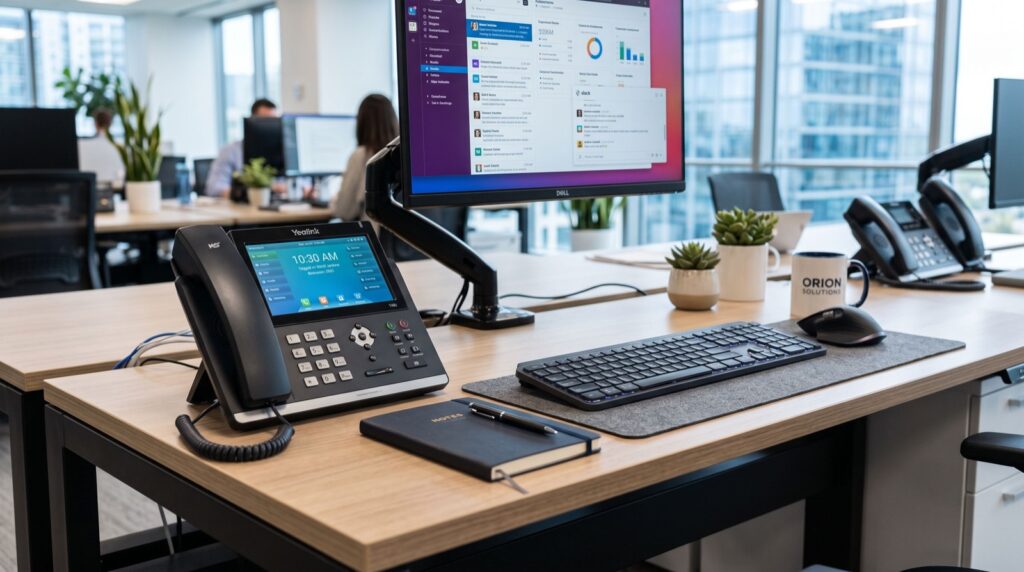
Fanvil Smart Video Phones: The 2026 Guide to Premium Business Calling
Video is no longer a nice-to-have in the office; it is how modern teams meet, close deals, and support customers. That is why Fanvil smart video phones have become the centrepiece of premium desks across Pakistan in 2026. These are not simple desk phones with a screen bolted on. They are Android-powered communication hubs that blend HD voice, sharp video, and app flexibility into one device. This guide explains what sets flagship video phones apart, how they compare to prime business phones, and how to choose the right one for your office.
We wrote this for executives, IT managers, and business owners who want the best experience at the front of the room and on the director’s desk. By the end, you will know exactly where a flagship video phone earns its price, and where a prime business phone is the smarter pick.
Why Smart Video Phones Matter in 2026
Hybrid work is now standard, and clients expect face-to-face conversations without booking a meeting room. A dedicated video phone puts high-quality video on the desk, ready in one tap, with none of the fuss of firing up a laptop and hunting for a headset.
Because these devices run a full operating system, they support conferencing apps, calendar integration, and directory lookups directly on the touchscreen. They also deliver superior audio through wideband codecs, so voice-only calls sound noticeably clearer than on legacy handsets.
The move toward unified communications is well documented. Industry analysis from bodies like the ITU ICT statistics portal shows rising broadband adoption that makes rich, video-first business calling practical for offices across Pakistan.
Flagship Video Phone vs Prime Business Phone
Choosing between a flagship and a prime model comes down to how the desk is used. A flagship shines where video and touchscreen apps matter. A prime business phone excels where reliable voice, many lines, and fast key access come first.
The Fanvil V67 Flagship Smart Video Phone represents the top tier: a large touchscreen, high-resolution camera, and smart Android features aimed at executives and meeting-heavy front offices. For desks that prioritise voice performance and line density, the Fanvil V61G Prime Business Phone delivers a premium calling experience with crisp audio and a rich feature set, without the video overhead.
Comparison Table: Flagship vs Prime at a Glance
| Feature | Flagship Video Phone | Prime Business Phone |
|---|---|---|
| Primary strength | Video meetings, apps | Voice quality, line density |
| Display | Large touchscreen | Colour display |
| Camera | Built-in HD | Optional / none |
| Best for | Executives, front office | Managers, power users |
| Platform | Smart / Android | Business SIP |
| Relative cost | Premium | Upper mid-range |
Key Features to Look For
Not all premium phones are equal. When you evaluate a flagship or prime model, weigh these factors carefully.
- Camera quality: A sharp, well-lit HD camera makes video calls look professional.
- Audio codecs: Opus and G.722 wideband support keep voices natural and full.
- Touchscreen responsiveness: A smooth, large display makes app use and dialling effortless.
- Line and key capacity: Power users and reception desks need many programmable and BLF keys.
- PoE and connectivity: Gigabit Ethernet, PoE, Wi-Fi, and Bluetooth add deployment flexibility.
- Local support: Choose a vendor with reliable local experts for setup, warranty, and firmware.
How to Match the Phone to the Desk
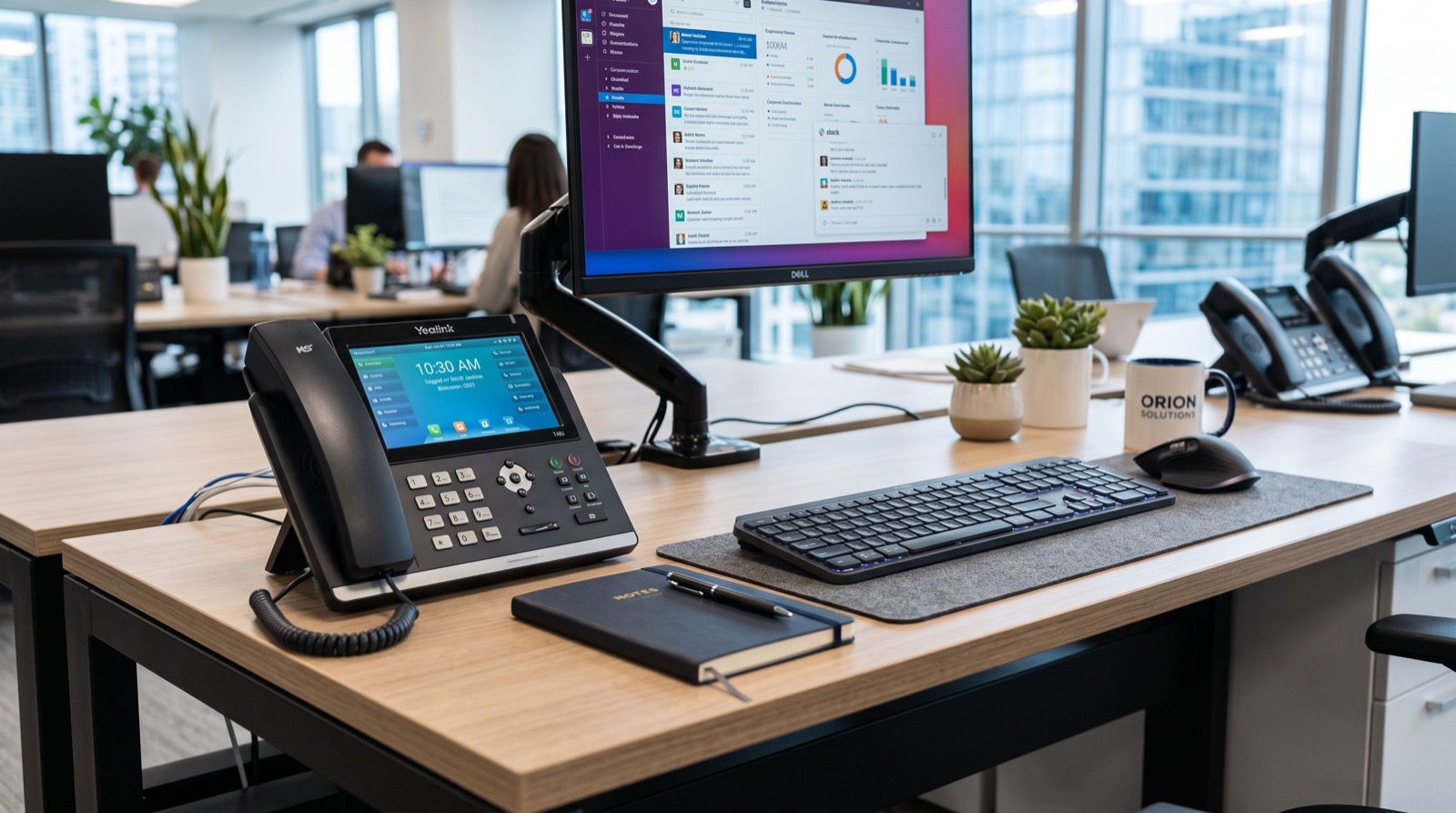
Put flagship video phones where meetings happen: the boardroom, the CEO’s desk, and a front office that greets clients over video. Put prime business phones where call volume and line management dominate: the sales floor lead, the operations manager, and busy reception points that rarely need video.
This mixed approach keeps your budget disciplined. You pay for video only where it delivers real value, and you equip everyone else with excellent voice-first hardware.
Deployment and Bandwidth Planning
Video calls use more bandwidth than voice. Budget roughly 1-2 Mbps per active HD video call, compared with about 100 kbps for a voice call. Enable QoS so both voice and video get priority over ordinary data traffic.
- Reserve dedicated bandwidth for video-enabled desks.
- Use gigabit PoE switches to power and connect phones cleanly.
- Place core network gear on a UPS to survive short outages.
- Enable auto-provisioning to manage settings and firmware centrally.
- Test both audio and video quality during peak office hours.
One practical insight from real deployments: position the phone so the camera captures the user at eye level with a plain background behind them. This simple placement habit does more for perceived call quality than any spec on the box, because clients judge the meeting by what they see and hear, not the model number.
Security for Smart Phones
Because smart video phones run an operating system, treat them like any networked device. Keep firmware updated, use strong SIP and admin passwords, enable TLS and SRTP encryption, and restrict app installation to trusted sources. These steps protect both your calls and the device itself.
Where to Buy in Pakistan
Buy premium hardware from an authorised distributor so you get genuine firmware, a valid warranty, and real after-sales support. Grey-market units often lack updates and local service, which quickly erodes any upfront saving. Compare the flagship and prime models side by side and choose the fit that matches how each desk actually works.
Frequently Asked Questions
Do I need a video phone, or is a prime business phone enough?
If a desk hosts regular video meetings or greets clients over video, a flagship video phone pays off. If the desk mainly handles high-volume voice calls, a prime business phone gives you better line density and value.
Can smart video phones run conferencing apps?
Yes. Android-based flagship models support popular conferencing and collaboration apps directly on the touchscreen, alongside directory, calendar, and standard SIP calling features.
How much bandwidth does a video call need?
Plan for roughly 1-2 Mbps per HD video call in each direction. Enable QoS so video and voice take priority, and quality stays smooth even during busy periods.
Are these phones hard to manage at scale?
No. Auto-provisioning lets you push configuration and firmware to many devices at once. Partnering with a local service team makes larger rollouts and ongoing maintenance straightforward.
Final Thoughts
In 2026, Fanvil smart video phones and prime business phones give Pakistani offices a premium, future-ready calling experience. Reserve flagship video units for meeting-heavy and executive desks, deploy prime business phones where voice and line capacity rule, plan your bandwidth and power carefully, and buy from a supplier with genuine local support. That balanced approach delivers a communication system that looks professional, sounds excellent, and scales with your business.